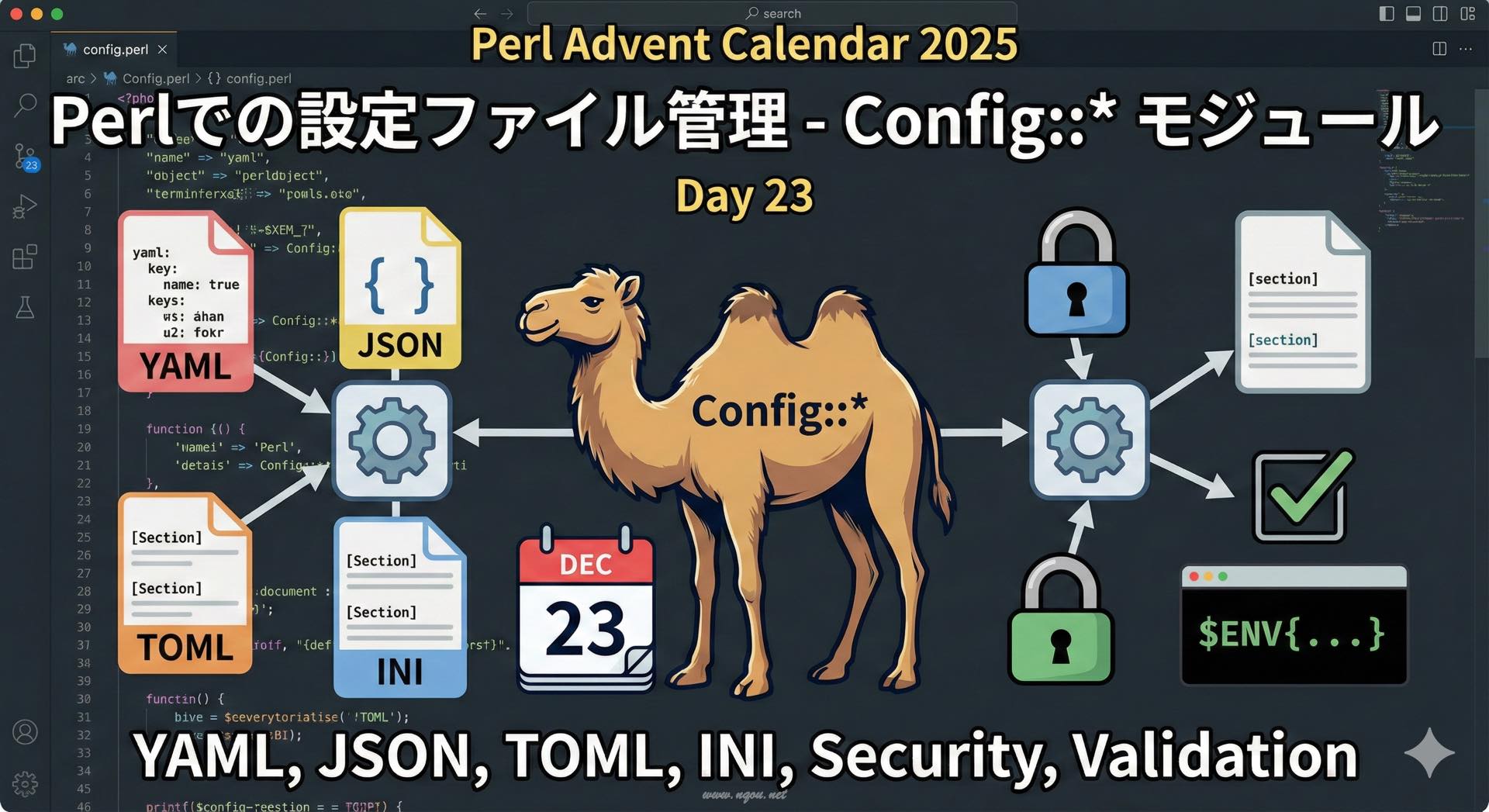
Featured image of post Perlでの設定ファイル管理 - Config::* モジュール

Perlでの設定ファイル管理 - Config::* モジュール

Perlで設定ファイル(YAML/JSON/TOML/INIなど)を扱うモジュールと実践的な使い方を解説

Perlでの設定ファイル管理 - Config::* モジュール

アプリケーションの設定を外部ファイルで管理することは、コードと設定を分離し、保守性を高めるベストプラクティスです。Perlには様々な形式の設定ファイルを扱うモジュールが揃っています。

設定ファイルを使う理由

  • 環境別の設定: 開発・ステージング・本番で異なる設定
  • 機密情報の分離: パスワードやAPIキーをコードから分離
  • 再デプロイ不要: 設定変更時にコードの再ビルドが不要
  • チーム開発: 各開発者が独自の設定を持てる

YAML による設定管理

YAMLは、人間が読みやすく、階層構造を表現しやすい形式です。

YAML::XS の使い方

 1
 2
 3
 4
 5
 6
 7
 8
 9
10
11
12
13
14
15
16
17
18
19
20
21
22
23
24
25
26
27
28
29
30
use YAML::XS qw(LoadFile DumpFile);

# 設定ファイル: config.yml
# ---
# database:
#   host: localhost
#   port: 5432
#   name: myapp
#   user: dbuser
#   password: secret
# 
# cache:
#   enabled: true
#   ttl: 3600
# 
# features:
#   - beta_feature
#   - new_ui

# 読み込み
my $config = LoadFile('config.yml');

print "DB Host: $config->{database}{host}\n";
print "DB Port: $config->{database}{port}\n";
print "Cache enabled: ", $config->{cache}{enabled} ? 'yes' : 'no', "\n";
print "Features: ", join(', ', @{$config->{features}}), "\n";

# 書き込み
$config->{database}{port} = 5433;
DumpFile('config.yml', $config);

環境別の設定ファイル

 1
 2
 3
 4
 5
 6
 7
 8
 9
10
11
use YAML::XS qw(LoadFile);

my $env = $ENV{APP_ENV} || 'development';
my $config_file = "config/$env.yml";

die "Config file not found: $config_file\n" unless -f $config_file;

my $config = LoadFile($config_file);

print "Environment: $env\n";
print "Database: $config->{database}{host}\n";

ディレクトリ構成:

1
2
3
4
config/
  ├── development.yml
  ├── staging.yml
  └── production.yml

JSON による設定管理

JSONは、JavaScriptとの互換性が高く、多くのツールで扱いやすい形式です。

 1
 2
 3
 4
 5
 6
 7
 8
 9
10
11
12
13
14
15
16
17
18
19
20
21
22
23
24
25
26
use JSON::MaybeXS;
use Path::Tiny;

# config.json
# {
#   "server": {
#     "host": "0.0.0.0",
#     "port": 8080
#   },
#   "logging": {
#     "level": "info",
#     "file": "/var/log/app.log"
#   }
# }

my $json = JSON::MaybeXS->new(utf8 => 1, pretty => 1);

# 読み込み
my $config = $json->decode(path('config.json')->slurp);

print "Server: $config->{server}{host}:$config->{server}{port}\n";
print "Log level: $config->{logging}{level}\n";

# 書き込み
$config->{server}{port} = 9090;
path('config.json')->spew($json->encode($config));

TOML による設定管理

TOMLは、読みやすく、GitHubやCargoで採用されている形式です。

 1
 2
 3
 4
 5
 6
 7
 8
 9
10
11
12
13
14
15
16
17
18
19
20
21
22
23
24
25
26
27
use TOML::Parser;

# config.toml
# title = "MyApp Configuration"
# 
# [database]
# host = "localhost"
# port = 5432
# name = "myapp"
# 
# [[servers]]
# name = "web01"
# ip = "192.168.1.10"
# 
# [[servers]]
# name = "web02"
# ip = "192.168.1.11"

my $parser = TOML::Parser->new;
my $config = $parser->parse_file('config.toml');

print "Title: $config->{title}\n";
print "DB: $config->{database}{host}:$config->{database}{port}\n";

for my $server (@{$config->{servers}}) {
    print "Server: $server->{name} ($server->{ip})\n";
}

Config::Tiny - シンプルなINI形式

Config::Tinyは、軽量で使いやすいINIファイルパーサーです。

 1
 2
 3
 4
 5
 6
 7
 8
 9
10
11
12
13
14
15
16
17
18
19
20
21
22
23
use Config::Tiny;

# config.ini
# [database]
# host=localhost
# port=5432
# name=myapp
# 
# [cache]
# enabled=1
# ttl=3600

# 読み込み
my $config = Config::Tiny->read('config.ini');

print "DB Host: ", $config->{database}{host}, "\n";
print "Cache TTL: ", $config->{cache}{ttl}, "\n";

# 設定の変更
$config->{database}{port} = 5433;

# 書き込み
$config->write('config.ini');

Config::General - Apache風の設定

Config::Generalは、Apacheの設定ファイルのような階層構造をサポートします。

 1
 2
 3
 4
 5
 6
 7
 8
 9
10
11
12
13
14
15
16
17
18
19
20
21
22
23
use Config::General;

# config.conf
# ServerName localhost
# ServerPort 8080
# 
# <Database>
#     Host localhost
#     Port 5432
#     Name myapp
# </Database>
# 
# <VirtualHost>
#     ServerName example.com
#     DocumentRoot /var/www/example
# </VirtualHost>

my $conf = Config::General->new('config.conf');
my %config = $conf->getall;

print "Server: $config{ServerName}:$config{ServerPort}\n";
print "DB: $config{Database}{Host}\n";
print "VHost: $config{VirtualHost}{ServerName}\n";

環境変数との統合

設定ファイルと環境変数を組み合わせる:

 1
 2
 3
 4
 5
 6
 7
 8
 9
10
11
use YAML::XS qw(LoadFile);

my $config = LoadFile('config.yml');

# 環境変数で上書き
$config->{database}{host} = $ENV{DB_HOST} 
    if $ENV{DB_HOST};
$config->{database}{password} = $ENV{DB_PASSWORD} 
    if $ENV{DB_PASSWORD};

print "DB Host: $config->{database}{host}\n";

実用的な設定管理クラス

 1
 2
 3
 4
 5
 6
 7
 8
 9
10
11
12
13
14
15
16
17
18
19
20
21
22
23
24
25
26
27
28
29
30
31
32
33
34
35
36
37
38
39
40
41
42
43
44
45
46
47
48
49
50
51
52
53
54
55
56
57
58
59
60
61
62
63
64
65
66
67
68
69
70
71
72
73
74
75
76
77
78
79
80
81
82
83
84
85
86
package MyApp::Config;
use Moo;
use YAML::XS qw(LoadFile);
use Path::Tiny;

has config_dir => (
    is      => 'ro',
    default => sub { 'config' },
);

has environment => (
    is      => 'ro',
    default => sub { $ENV{APP_ENV} || 'development' },
);

has config => (is => 'lazy');

sub _build_config {
    my $self = shift;
    
    # デフォルト設定を読み込み
    my $default_file = path($self->config_dir, 'default.yml');
    my $config = -f $default_file ? LoadFile($default_file) : {};
    
    # 環境別設定で上書き
    my $env_file = path($self->config_dir, $self->environment . '.yml');
    if (-f $env_file) {
        my $env_config = LoadFile($env_file);
        $config = { %$config, %$env_config };
    }
    
    # 環境変数で上書き
    $self->_apply_env_vars($config);
    
    return $config;
}

sub _apply_env_vars {
    my ($self, $config) = @_;
    
    # 環境変数からマッピング
    my %env_map = (
        DB_HOST     => ['database', 'host'],
        DB_PORT     => ['database', 'port'],
        DB_NAME     => ['database', 'name'],
        DB_USER     => ['database', 'user'],
        DB_PASSWORD => ['database', 'password'],
        REDIS_URL   => ['redis', 'url'],
    );
    
    for my $env_key (keys %env_map) {
        next unless exists $ENV{$env_key};
        
        my @path = @{$env_map{$env_key}};
        my $ref = $config;
        
        for my $i (0 .. $#path - 1) {
            $ref->{$path[$i]} //= {};
            $ref = $ref->{$path[$i]};
        }
        
        $ref->{$path[-1]} = $ENV{$env_key};
    }
}

sub get {
    my ($self, @keys) = @_;
    
    my $value = $self->config;
    for my $key (@keys) {
        return unless ref $value eq 'HASH';
        $value = $value->{$key};
    }
    
    return $value;
}

# 使用例
package main;

my $config = MyApp::Config->new;

print "Environment: ", $config->environment, "\n";
print "DB Host: ", $config->get('database', 'host'), "\n";
print "DB Port: ", $config->get('database', 'port'), "\n";
print "Cache TTL: ", $config->get('cache', 'ttl'), "\n";

機密情報の管理

環境変数を使用

1
2
3
4
5
6
7
8
9
# .env ファイル(コミットしない)
# DB_PASSWORD=secret_password
# API_KEY=your_api_key

use Dotenv;
Dotenv->load;

my $db_password = $ENV{DB_PASSWORD};
my $api_key = $ENV{API_KEY};

暗号化された設定ファイル

 1
 2
 3
 4
 5
 6
 7
 8
 9
10
11
12
13
14
15
16
17
18
19
20
21
22
23
24
25
26
27
28
29
30
31
32
33
34
35
36
37
38
39
40
41
42
43
44
45
46
47
48
49
50
51
52
53
54
use Crypt::CBC;
use YAML::XS qw(Load Dump);
use Path::Tiny;

sub encrypt_config {
    my ($config_file, $key) = @_;
    
    my $config = LoadFile($config_file);
    my $yaml = Dump($config);
    
    # AES-GCM (AEAD) を使用してデータの完全性も保証
    use Crypt::AuthEnc::GCM;
    use Crypt::PRNG;
    
    my $nonce = Crypt::PRNG::random_bytes(12);  # GCMの推奨ノンス長
    my $aad = "config-file-v1";  # Additional Authenticated Data
    
    my $gcm = Crypt::AuthEnc::GCM->new("AES", $key);
    my $encrypted = $gcm->encrypt_add($nonce, $aad, $yaml);
    my $tag = $gcm->encrypt_done();
    
    # ノンス + タグ + 暗号文 を保存
    my $output = $nonce . $tag . $encrypted;
    path("$config_file.enc")->spew_raw($output);
}

sub decrypt_config {
    my ($encrypted_file, $key) = @_;
    
    my $data = path($encrypted_file)->slurp_raw;
    
    # ノンス(12バイト)、タグ(16バイト)、暗号文に分離
    my $nonce = substr($data, 0, 12);
    my $tag = substr($data, 12, 16);
    my $encrypted = substr($data, 28);
    
    my $aad = "config-file-v1";
    
    use Crypt::AuthEnc::GCM;
    my $gcm = Crypt::AuthEnc::GCM->new("AES", $key);
    my $yaml = $gcm->decrypt_add($nonce, $aad, $encrypted);
    
    # タグを検証(改ざん検知)
    my $check_tag = $gcm->decrypt_done();
    die "Authentication failed! File may have been tampered with.\n" 
        unless $tag eq $check_tag;
    
    return Load($yaml);
}

# 暗号化キーは環境変数から取得(32バイト必要)
my $key = $ENV{CONFIG_KEY} or die "CONFIG_KEY not set\n";
die "Key must be 32 bytes for AES-256\n" unless length($key) == 32;
my $config = decrypt_config('config.yml.enc', $key);

バリデーション

設定値の妥当性をチェック:

 1
 2
 3
 4
 5
 6
 7
 8
 9
10
11
12
13
14
15
16
17
18
19
20
21
22
23
24
25
26
27
28
29
30
31
use Types::Standard qw(Dict Str Int Bool Optional);
use Type::Params qw(compile);

my $config_type = Dict[
    database => Dict[
        host     => Str,
        port     => Int,
        name     => Str,
        user     => Str,
        password => Str,
    ],
    cache => Dict[
        enabled => Bool,
        ttl     => Int,
    ],
    server => Dict[
        host => Str,
        port => Int,
        workers => Optional[Int],
    ],
];

my $config = LoadFile('config.yml');

eval {
    $config_type->assert_valid($config);
    print "Configuration is valid\n";
};
if ($@) {
    die "Configuration validation failed: $@\n";
}

動的な設定リロード

 1
 2
 3
 4
 5
 6
 7
 8
 9
10
11
12
13
14
15
16
17
18
19
20
21
22
23
24
25
26
27
28
29
30
use YAML::XS qw(LoadFile);
use AnyEvent;

my $config_file = 'config.yml';
my $config = LoadFile($config_file);
my $last_mtime = (stat $config_file)[9];

# 10秒ごとにチェック
my $timer = AnyEvent->timer(
    after    => 10,
    interval => 10,
    cb       => sub {
        my $current_mtime = (stat $config_file)[9];
        
        if ($current_mtime > $last_mtime) {
            print "Reloading configuration...\n";
            $config = LoadFile($config_file);
            $last_mtime = $current_mtime;
            
            # 設定変更後の処理
            on_config_reload($config);
        }
    },
);

sub on_config_reload {
    my $config = shift;
    print "Configuration reloaded\n";
    # 設定に応じた処理
}

ベストプラクティス

1. 階層的な設定

1
2
3
4
5
config/
  ├── default.yml          # デフォルト設定
  ├── development.yml      # 開発環境
  ├── staging.yml          # ステージング環境
  └── production.yml       # 本番環境

2. 設定の優先順位

  1. コマンドライン引数
  2. 環境変数
  3. 環境別設定ファイル
  4. デフォルト設定ファイル

3. 機密情報の取り扱い

  • 機密情報(パスワード、APIキー)は.envや環境変数で管理
  • 設定ファイルは.gitignoreに追加(サンプルファイルのみコミット)
  • 本番環境では暗号化された設定を使用

4. バリデーション

  • 起動時に必ず設定をバリデート
  • 必須項目の欠落を早期に検出
  • 型チェックで意図しない値を防ぐ

まとめ

  • YAML: 人間に読みやすく、階層構造を表現しやすい
  • JSON: JavaScript互換、多くのツールで扱いやすい
  • TOML: 明確で読みやすい、GitHubやCargoで採用
  • INI: シンプルで軽量、古いアプリケーションとの互換性
  • 環境変数: 機密情報や環境別設定に最適
  • バリデーション: 起動時のチェックでエラーを早期発見

設定ファイルは、アプリケーションの柔軟性と保守性を大きく向上させます。適切な形式とベストプラクティスを選択し、安全に管理しましょう。

comments powered by Disqus
Hugo で構築されています。
テーマ StackJimmy によって設計されています。