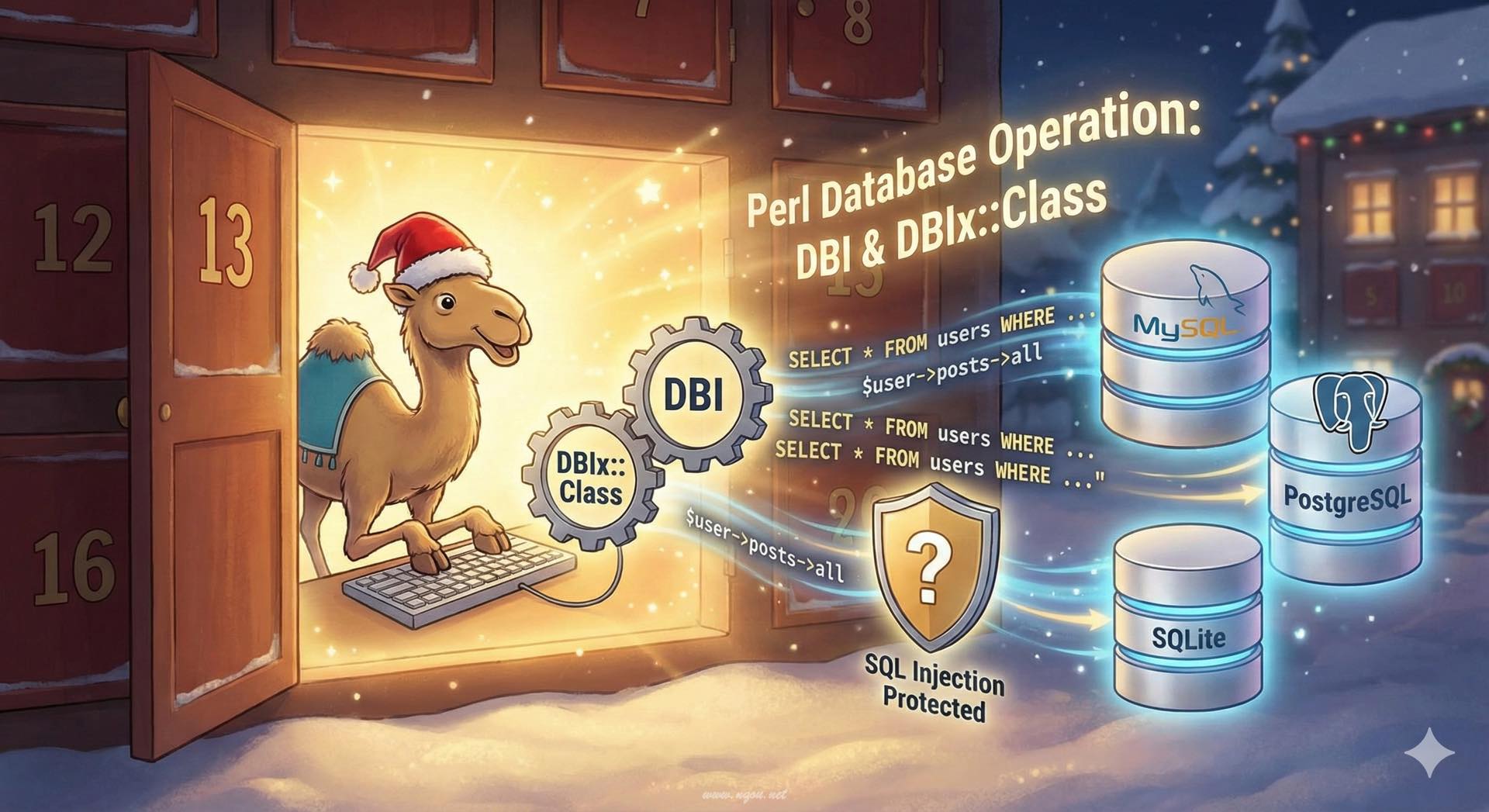
Featured image of post Perlでのデータベース操作 — DBI / DBIx::Class 入門

Perlでのデータベース操作 — DBI / DBIx::Class 入門

PerlでDBへアクセスする基本からDBIの使い方、プレースホルダ、トランザクション、DBIx::ClassによるORMの使い方まで解説します。

Perlでのデータベース操作 - DBI/DBIx::Class

データベースとのやり取りは、多くのアプリケーションで必須の機能です。Perlには長年培われた強力なデータベースアクセス層があり、低レベルな DBI から高レベルな ORM(Object-Relational Mapping)である DBIx::Class まで、用途に応じて選択できます。

DBI - Database Interface

DBI(Database Interface)は Perl のデータベースアクセスの基盤となるモジュールです。データベース非依存な API を提供し、MySQL、PostgreSQL、SQLite、Oracle など、さまざまなデータベースに統一的なインターフェースでアクセスできます。

インストール

1
2
3
4
5
6
7
# DBI 本体
cpanm DBI

# データベースドライバ(使用するDBに応じて)
cpanm DBD::SQLite   # SQLite
cpanm DBD::mysql    # MySQL
cpanm DBD::Pg       # PostgreSQL

基本的な接続と操作

 1
 2
 3
 4
 5
 6
 7
 8
 9
10
11
12
13
14
15
16
17
18
19
20
21
22
23
24
25
26
27
28
29
use DBI;
use feature qw(say);

# データベースに接続
my $dbh = DBI->connect(
    'dbi:SQLite:dbname=test.db',
    '',  # ユーザー名(SQLiteでは不要)
    '',  # パスワード(SQLiteでは不要)
    {
        RaiseError => 1,  # エラー時に例外を投げる
        AutoCommit => 1,  # 自動コミット
        PrintError => 0,  # エラーメッセージを自動出力しない
    }
) or die "接続エラー: $DBI::errstr";

# テーブル作成
$dbh->do(q{
    CREATE TABLE IF NOT EXISTS users (
        id INTEGER PRIMARY KEY AUTOINCREMENT,
        name TEXT NOT NULL,
        email TEXT UNIQUE NOT NULL,
        created_at DATETIME DEFAULT CURRENT_TIMESTAMP
    )
});

say "データベース接続成功!";

# 接続を閉じる
$dbh->disconnect;

プレースホルダとSQLインジェクション対策

絶対にやってはいけない例

1
2
3
4
5
# ❌ 危険!SQLインジェクションの脆弱性あり
my $user_input = "'; DROP TABLE users; --";
my $sql = "SELECT * FROM users WHERE name = '$user_input'";
my $sth = $dbh->prepare($sql);
$sth->execute();

正しい方法

 1
 2
 3
 4
 5
 6
 7
 8
 9
10
11
12
13
use DBI;

my $dbh = DBI->connect('dbi:SQLite:dbname=test.db', '', '', 
    { RaiseError => 1, AutoCommit => 1 });

# ✅ プレースホルダを使用(安全)
my $name = "'; DROP TABLE users; --";  # 悪意のある入力
my $sth = $dbh->prepare('SELECT * FROM users WHERE name = ?');
$sth->execute($name);

# 名前付きプレースホルダ(より読みやすい)
my $sth2 = $dbh->prepare('SELECT * FROM users WHERE name = :name AND email = :email');
$sth2->execute({ name => $name, email => 'user@example.com' });

プレースホルダを使うことで:

  • SQLインジェクション攻撃を防げる
  • 値のエスケープが自動的に行われる
  • SQL文の再利用が効率的

データの挿入(INSERT)

 1
 2
 3
 4
 5
 6
 7
 8
 9
10
11
12
13
14
15
16
17
18
19
20
21
22
23
24
25
26
27
28
29
30
31
32
33
34
35
36
37
use DBI;
use feature qw(say);

my $dbh = DBI->connect('dbi:SQLite:dbname=test.db', '', '',
    { RaiseError => 1, AutoCommit => 1 });

# テーブル作成
$dbh->do(q{
    CREATE TABLE IF NOT EXISTS users (
        id INTEGER PRIMARY KEY AUTOINCREMENT,
        name TEXT NOT NULL,
        email TEXT UNIQUE NOT NULL,
        created_at DATETIME DEFAULT CURRENT_TIMESTAMP
    )
});

# 1件挿入
my $sth = $dbh->prepare('INSERT INTO users (name, email) VALUES (?, ?)');
$sth->execute('山田太郎', 'yamada@example.com');

say "挿入されたID: ", $dbh->last_insert_id(undef, undef, 'users', 'id');

# 複数件を効率的に挿入
my @users = (
    ['佐藤花子', 'sato@example.com'],
    ['鈴木一郎', 'suzuki@example.com'],
    ['田中美咲', 'tanaka@example.com'],
);

my $insert_sth = $dbh->prepare('INSERT INTO users (name, email) VALUES (?, ?)');
for my $user (@users) {
    $insert_sth->execute(@$user);
}

say "ユーザーを追加しました";

$dbh->disconnect;

データの取得(SELECT)

 1
 2
 3
 4
 5
 6
 7
 8
 9
10
11
12
13
14
15
16
17
18
19
20
21
22
23
24
25
26
27
28
29
30
31
32
33
34
35
36
37
38
39
40
41
42
43
44
45
46
use DBI;
use feature qw(say);

my $dbh = DBI->connect('dbi:SQLite:dbname=test.db', '', '',
    { RaiseError => 1, AutoCommit => 1 });

# 全件取得
my $sth = $dbh->prepare('SELECT id, name, email FROM users');
$sth->execute();

say "=== 全ユーザー ===";
while (my $row = $sth->fetchrow_hashref) {
    say "ID: $row->{id}, 名前: $row->{name}, Email: $row->{email}";
}

# 条件付き検索
my $search_sth = $dbh->prepare('SELECT * FROM users WHERE name LIKE ?');
$search_sth->execute('%太郎%');

say "\n=== 検索結果(太郎) ===";
while (my @row = $search_sth->fetchrow_array) {
    say join(', ', @row);
}

# 1件だけ取得
my $one_sth = $dbh->prepare('SELECT * FROM users WHERE id = ?');
$one_sth->execute(1);
my $user = $one_sth->fetchrow_hashref;

if ($user) {
    say "\n=== ID:1のユーザー ===";
    say "名前: $user->{name}";
    say "Email: $user->{email}";
}

# 全件を配列で取得
my $all_sth = $dbh->prepare('SELECT name, email FROM users ORDER BY name');
$all_sth->execute();
my $all_users = $all_sth->fetchall_arrayref({});

say "\n=== 全ユーザー(ソート済み) ===";
for my $u (@$all_users) {
    say "$u->{name} <$u->{email}>";
}

$dbh->disconnect;

データの更新と削除

 1
 2
 3
 4
 5
 6
 7
 8
 9
10
11
12
13
14
15
16
17
use DBI;
use feature qw(say);

my $dbh = DBI->connect('dbi:SQLite:dbname=test.db', '', '',
    { RaiseError => 1, AutoCommit => 1 });

# 更新(UPDATE)
my $update_sth = $dbh->prepare('UPDATE users SET email = ? WHERE name = ?');
my $rows_updated = $update_sth->execute('new_email@example.com', '山田太郎');
say "更新された行数: $rows_updated";

# 削除(DELETE)
my $delete_sth = $dbh->prepare('DELETE FROM users WHERE id = ?');
my $rows_deleted = $delete_sth->execute(1);
say "削除された行数: $rows_deleted";

$dbh->disconnect;

トランザクション処理

 1
 2
 3
 4
 5
 6
 7
 8
 9
10
11
12
13
14
15
16
17
18
19
20
21
22
23
24
25
26
27
28
29
30
31
use DBI;
use feature qw(say);

my $dbh = DBI->connect('dbi:SQLite:dbname=test.db', '', '',
    { RaiseError => 1, AutoCommit => 0 });  # AutoCommit を無効化

eval {
    # トランザクション開始(AutoCommit=0 なので自動)
    
    $dbh->do('INSERT INTO users (name, email) VALUES (?, ?)',
        undef, '佐藤次郎', 'sato2@example.com');
    
    $dbh->do('INSERT INTO users (name, email) VALUES (?, ?)',
        undef, '鈴木三郎', 'suzuki2@example.com');
    
    # 意図的にエラーを起こす例
    # $dbh->do('INSERT INTO users (name, email) VALUES (?, ?)',
    #     undef, '田中四郎', 'sato2@example.com');  # email重複エラー
    
    # コミット
    $dbh->commit;
    say "トランザクション成功";
};

if ($@) {
    say "エラー発生: $@";
    say "ロールバックします";
    $dbh->rollback;
}

$dbh->disconnect;

DBIx::Class - Perlの強力なORM

DBIx::Class は Perl の代表的な ORM(Object-Relational Mapping)です。SQL を直接書くのではなく、オブジェクト指向的にデータベースを操作できます。

インストール

1
2
3
cpanm DBIx::Class
cpanm DBIx::Class::Schema::Loader  # 既存DBからスキーマ自動生成
cpanm SQL::Translator  # スキーマのデプロイに必要

スキーマの定義

 1
 2
 3
 4
 5
 6
 7
 8
 9
10
11
12
13
14
15
16
17
18
19
20
21
22
23
24
25
26
27
28
29
30
31
32
33
34
35
36
37
38
39
40
41
42
43
44
45
46
47
48
49
50
51
52
53
54
55
56
57
58
59
60
61
62
63
64
65
66
67
68
69
70
71
72
73
74
75
76
77
78
79
80
81
# MyApp/Schema.pm
package MyApp::Schema;
use base qw(DBIx::Class::Schema);

__PACKAGE__->load_namespaces;

1;

# MyApp/Schema/Result/User.pm
package MyApp::Schema::Result::User;
use base qw(DBIx::Class::Core);

__PACKAGE__->table('users');
__PACKAGE__->add_columns(
    id => {
        data_type         => 'integer',
        is_auto_increment => 1,
    },
    name => {
        data_type   => 'varchar',
        size        => 100,
        is_nullable => 0,
    },
    email => {
        data_type   => 'varchar',
        size        => 255,
        is_nullable => 0,
    },
    created_at => {
        data_type     => 'datetime',
        default_value => \'CURRENT_TIMESTAMP',
    },
);

__PACKAGE__->set_primary_key('id');
__PACKAGE__->add_unique_constraint(email_unique => ['email']);

# リレーションシップの定義(後で使用)
__PACKAGE__->has_many(
    posts => 'MyApp::Schema::Result::Post',
    'user_id'
);

1;

# MyApp/Schema/Result/Post.pm
package MyApp::Schema::Result::Post;
use base qw(DBIx::Class::Core);

__PACKAGE__->table('posts');
__PACKAGE__->add_columns(
    id => {
        data_type         => 'integer',
        is_auto_increment => 1,
    },
    user_id => {
        data_type      => 'integer',
        is_foreign_key => 1,
    },
    title => {
        data_type   => 'varchar',
        size        => 200,
        is_nullable => 0,
    },
    body => {
        data_type   => 'text',
        is_nullable => 1,
    },
    created_at => {
        data_type     => 'datetime',
        default_value => \'CURRENT_TIMESTAMP',
    },
);

__PACKAGE__->set_primary_key('id');
__PACKAGE__->belongs_to(
    user => 'MyApp::Schema::Result::User',
    'user_id'
);

1;

DBIx::Classの基本操作

 1
 2
 3
 4
 5
 6
 7
 8
 9
10
11
12
13
14
15
16
17
18
19
20
21
22
23
24
25
26
27
28
29
30
31
32
33
34
35
36
37
38
39
40
41
42
43
44
45
46
47
48
49
50
51
52
53
54
55
56
57
58
59
60
61
62
63
use MyApp::Schema;
use feature qw(say);

# スキーマに接続
my $schema = MyApp::Schema->connect('dbi:SQLite:dbname=myapp.db', '', '',
    { RaiseError => 1, AutoCommit => 1 });

# テーブルをデプロイ(最初の1回だけ)
$schema->deploy({ add_drop_table => 1 });

# === 作成(CREATE) ===
my $user = $schema->resultset('User')->create({
    name  => '山田太郎',
    email => 'yamada@example.com',
});
say "作成されたユーザーID: ", $user->id;

# 複数作成
$schema->resultset('User')->populate([
    { name => '佐藤花子', email => 'sato@example.com' },
    { name => '鈴木一郎', email => 'suzuki@example.com' },
]);

# === 検索(READ) ===
# 全件取得
my @all_users = $schema->resultset('User')->all;
say "全ユーザー数: ", scalar @all_users;

# 条件付き検索
my @search_result = $schema->resultset('User')->search(
    { name => { like => '%太郎%' } }
)->all;

# 1件取得
my $found_user = $schema->resultset('User')->find(1);  # IDで検索
if ($found_user) {
    say "見つかったユーザー: ", $found_user->name;
}

# 条件付きで1件
my $single = $schema->resultset('User')->search(
    { email => 'yamada@example.com' }
)->first;

# === 更新(UPDATE) ===
$found_user->update({ email => 'new_yamada@example.com' });

# または
$found_user->email('another@example.com');
$found_user->update;

# 一括更新
$schema->resultset('User')->search(
    { name => { like => '%太郎%' } }
)->update({ name => \'name || " (更新済み)"' });

# === 削除(DELETE) ===
$found_user->delete;

# 条件付き削除
$schema->resultset('User')->search(
    { created_at => { '<' => '2025-01-01' } }
)->delete;

リレーションシップの活用

 1
 2
 3
 4
 5
 6
 7
 8
 9
10
11
12
13
14
15
16
17
18
19
20
21
22
23
24
25
26
27
28
29
30
31
32
33
34
35
36
37
38
39
40
41
42
43
44
45
46
47
48
49
50
51
52
use MyApp::Schema;
use feature qw(say);

my $schema = MyApp::Schema->connect('dbi:SQLite:dbname=myapp.db');

# ユーザーを作成
my $user = $schema->resultset('User')->create({
    name  => '山田太郎',
    email => 'yamada@example.com',
});

# ユーザーに紐づく投稿を作成
my $post = $user->create_related('posts', {
    title => 'はじめての投稿',
    body  => 'DBIx::Classは便利ですね!',
});

# または
$schema->resultset('Post')->create({
    user_id => $user->id,
    title   => '2つ目の投稿',
    body    => 'リレーションが簡単です',
});

# ユーザーの投稿を全て取得
my @user_posts = $user->posts->all;
say $user->name, " の投稿数: ", scalar @user_posts;

for my $p (@user_posts) {
    say "  - ", $p->title;
}

# 投稿からユーザー情報を取得
my $post_with_user = $schema->resultset('Post')->find(1);
say "投稿者: ", $post_with_user->user->name;

# JOINを使った検索
my @posts = $schema->resultset('Post')->search(
    { 'user.name' => { like => '%太郎%' } },
    { join => 'user' }
)->all;

# prefetch でN+1問題を回避
my @posts_with_users = $schema->resultset('Post')->search(
    {},
    { prefetch => 'user' }
)->all;

for my $p (@posts_with_users) {
    # user はすでにロード済みなので追加のSQLは発行されない
    say $p->title, " by ", $p->user->name;
}

トランザクション(DBIx::Class版)

 1
 2
 3
 4
 5
 6
 7
 8
 9
10
11
12
13
14
15
16
17
18
19
20
21
22
23
24
25
26
27
28
29
30
31
32
33
34
35
36
37
38
39
use MyApp::Schema;
use feature qw(say);

my $schema = MyApp::Schema->connect('dbi:SQLite:dbname=myapp.db');

# txn_do を使ったトランザクション
$schema->txn_do(sub {
    my $user = $schema->resultset('User')->create({
        name  => '佐藤次郎',
        email => 'sato2@example.com',
    });
    
    $user->create_related('posts', {
        title => '初投稿',
        body  => 'よろしくお願いします',
    });
    
    # エラーが起きると自動でロールバック
    # die "エラーテスト" if $some_condition;
});

say "トランザクション完了";

# 手動でのトランザクション制御
my $txn = $schema->txn_scope_guard;

eval {
    my $user = $schema->resultset('User')->create({
        name  => '鈴木三郎',
        email => 'suzuki3@example.com',
    });
    
    $txn->commit;
};

if ($@) {
    say "エラー: $@";
    # commit していないので自動ロールバック
}

実用的な例:ページネーション

 1
 2
 3
 4
 5
 6
 7
 8
 9
10
11
12
13
14
15
16
17
18
19
20
21
22
23
24
25
26
27
28
29
30
31
32
33
34
use MyApp::Schema;
use feature qw(say);

my $schema = MyApp::Schema->connect('dbi:SQLite:dbname=myapp.db');

sub get_users_page {
    my ($page, $per_page) = @_;
    $page     //= 1;
    $per_page //= 10;
    
    my $rs = $schema->resultset('User')->search(
        {},
        {
            page     => $page,
            rows     => $per_page,
            order_by => { -desc => 'created_at' },
        }
    );
    
    return {
        users      => [$rs->all],
        total      => $rs->pager->total_entries,
        page       => $page,
        per_page   => $per_page,
        last_page  => $rs->pager->last_page,
    };
}

my $result = get_users_page(1, 5);
say "ページ $result->{page} / $result->{last_page}";
say "総件数: $result->{total}";
for my $user (@{$result->{users}}) {
    say "  - ", $user->name;
}

DBI と DBIx::Class の使い分け

項目 DBI DBIx::Class
学習コスト 低い 高い
柔軟性 高い 中程度
生産性 中程度 高い
パフォーマンス 最速 やや遅い
保守性 中程度 高い
複雑なSQL 容易 難しい場合も

DBIを選ぶべき場合

  • シンプルなSQLで十分
  • パフォーマンスが最重要
  • 複雑なSQLを直接書きたい
  • 学習コストを抑えたい

DBIx::Classを選ぶべき場合

  • 大規模なアプリケーション
  • リレーションシップが多い
  • オブジェクト指向的に扱いたい
  • 保守性を重視

まとめ

Perlでのデータベース操作は、DBI の低レベルな制御から DBIx::Class の高レベルな抽象化まで、幅広い選択肢があります。

重要なポイント:

  1. 必ずプレースホルダを使う - SQLインジェクション対策は必須
  2. トランザクションを適切に使う - データの整合性を保つ
  3. 用途に応じてツールを選ぶ - DBI と DBIx::Class の使い分け
  4. N+1問題に注意 - DBIx::Class では prefetch を活用

データベースアクセスは多くのアプリケーションの基盤です。適切なツールと手法を選択することで、安全で効率的なデータ操作を実現できます。

comments powered by Disqus
Hugo で構築されています。
テーマ StackJimmy によって設計されています。